Find your purchase in the App Store
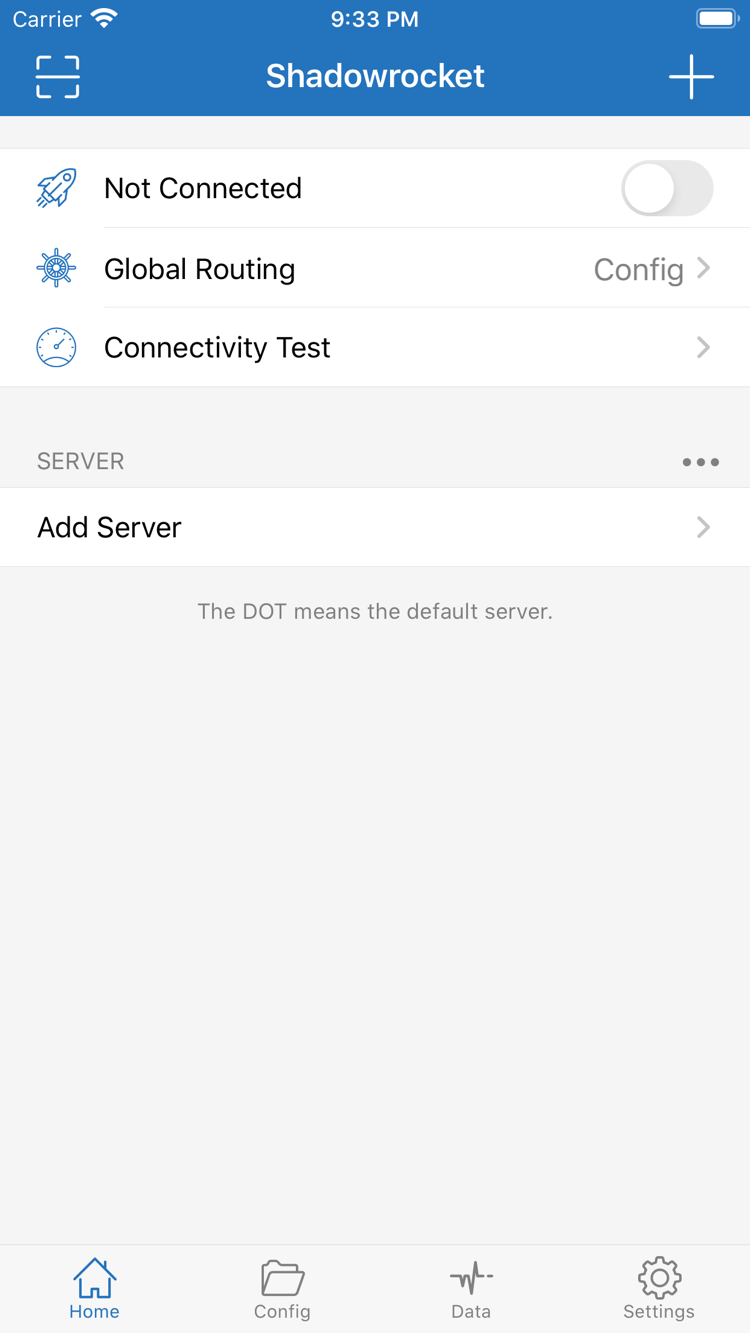
On your new device, open the App Store, tap your account avatar, and go to your purchases. Find Shadowrocket and download it again. Depending on your system, the section may be called App or My Apps. Make sure you're using the Apple ID that made the original purchase, not just an account used for other device features. With the same valid purchase record, you usually won't need to pay again.
If the product page still shows a price, pause and check your account and purchase history before buying. You can also check hidden purchases, your current storefront region, and account status. A price button alone doesn't prove the original purchase is no longer valid. Confirming payment again before you know what's wrong can make it harder to investigate.
To check whether Family Sharing applies, review the App Store information for this app and your current family settings. Refer to the App Store listing. Your own purchase history and a family member's purchase history are separate; first confirm how the app was originally obtained.